Our recommended, tried-and-tested, and free method for connecting to your ChartVPS server with iOS devices is via Windows App Mobile. Let’s get into how you can use it to pop into your server whenever the need arises!
Tip
1Right off the bat, you’re going to need your ChartVPS credentials so that you can log in to your server. On your web browser of choice, sign in to the ChartVPS Portal and take note of your IP Address, User name, and password.
In case you were curious, the Remote Desktop app for iPad and iPhone is no longer available, as it was replaced by Windows App Mobile.
Note
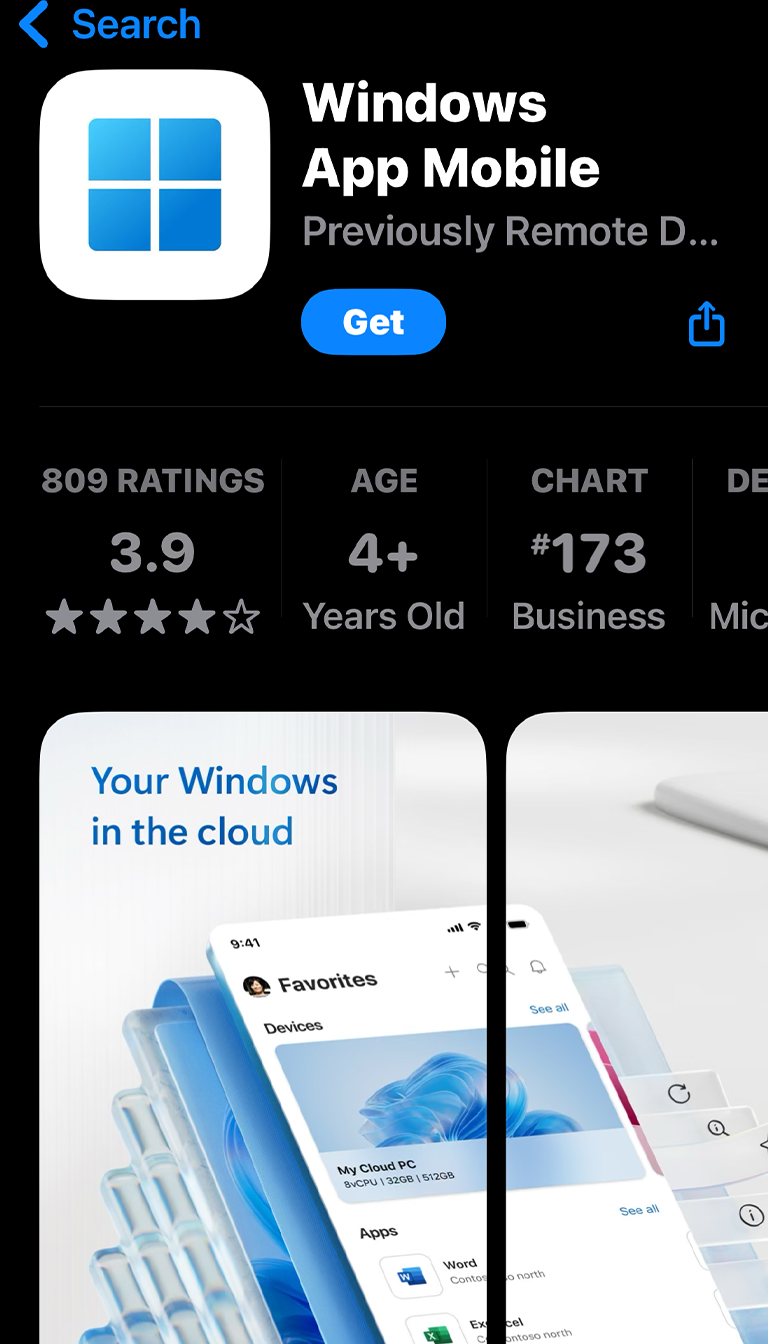
2With those credentials handy, you’ll need to download Windows App Mobile from the App Store.
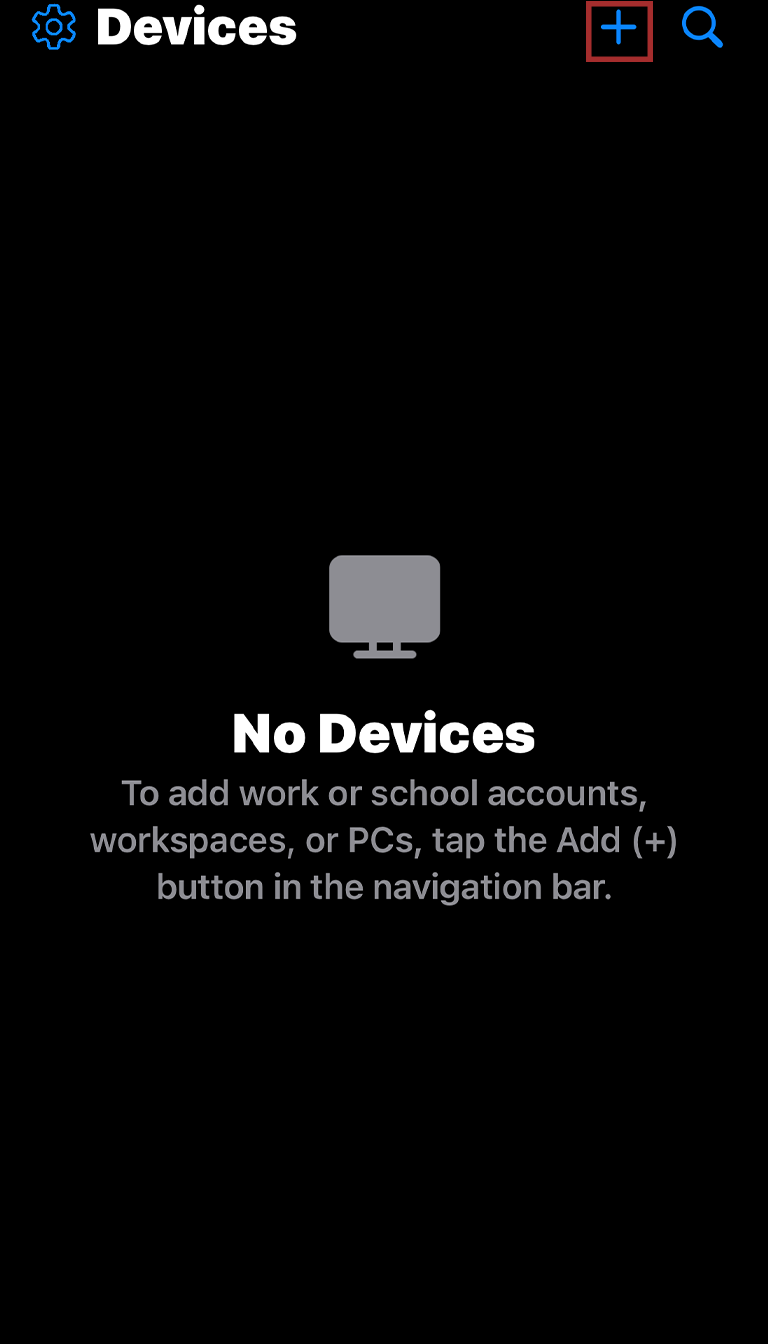
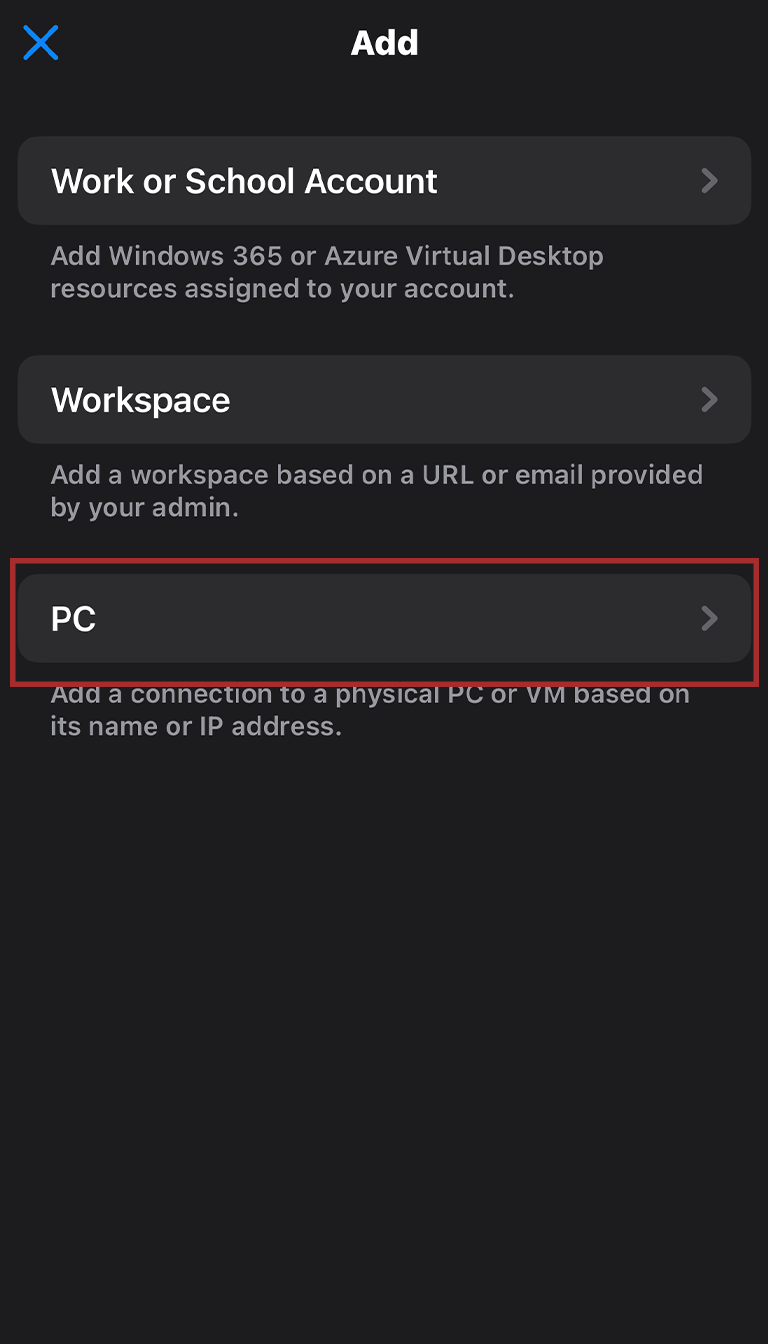
3Next, launch Windows App Mobile. Once it’s open, tap on the + in the top-right corner of the app. Then, select PC.
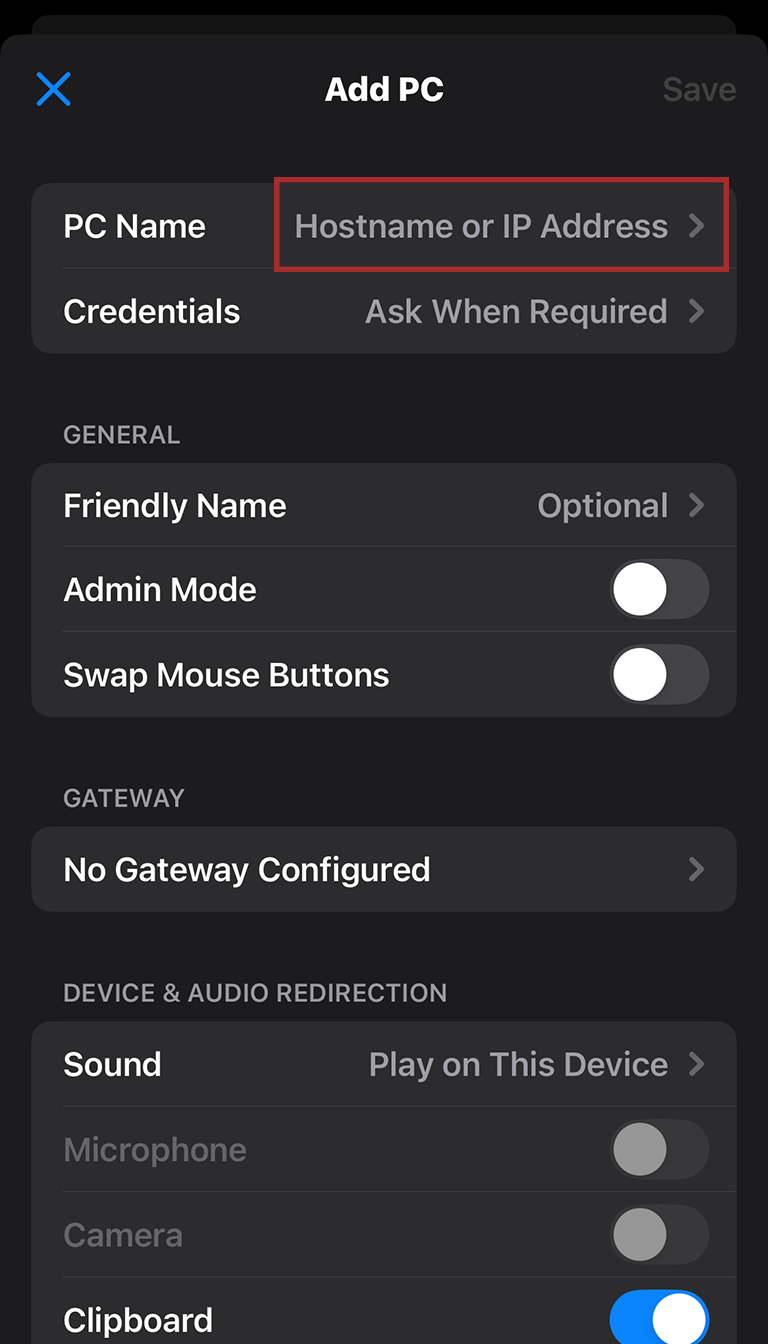
4With that, you’ve reached the main configuration screen! You’ll be typing info into the PC Name and Credentials fields, so let’s start by tapping on PC Name.
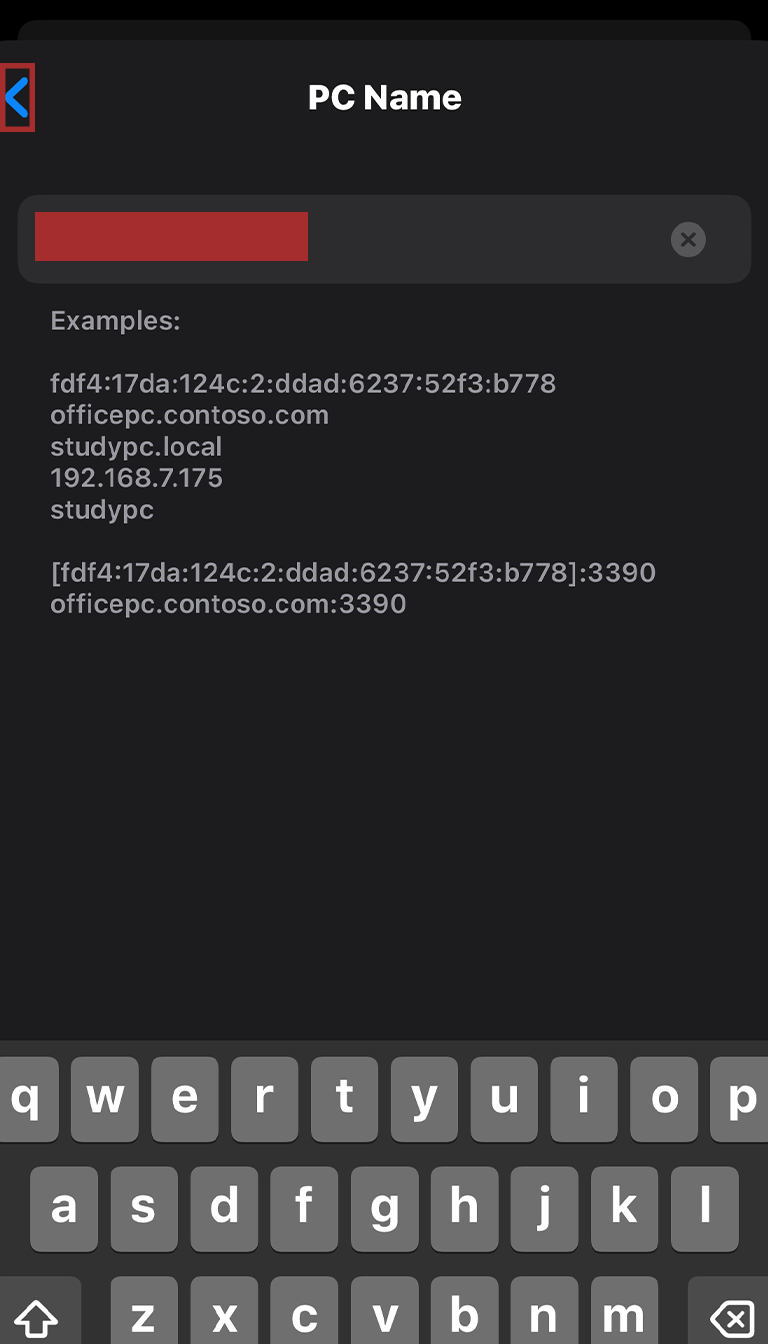
5In this field, you’ve got to enter the IP Address you found in the Portal back in Step 1. Then tap the < icon to return to the previous screen.
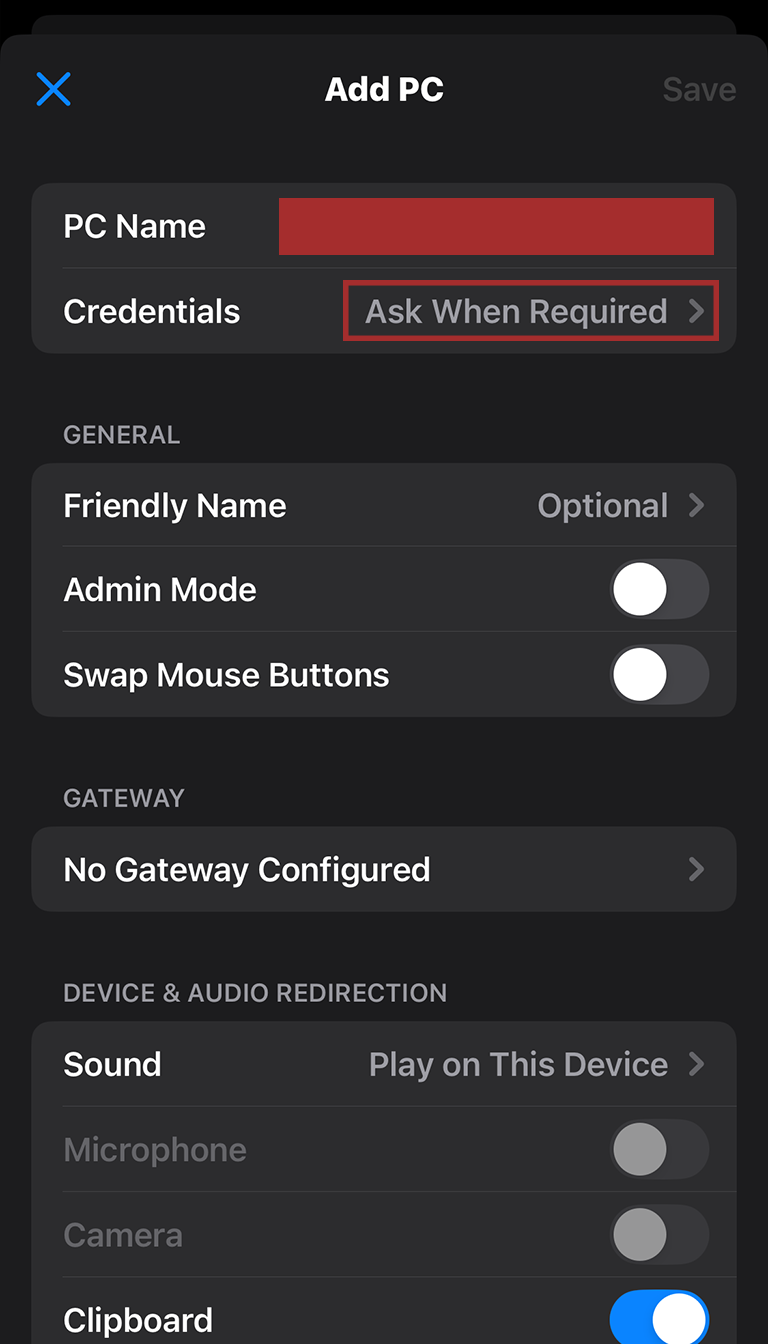
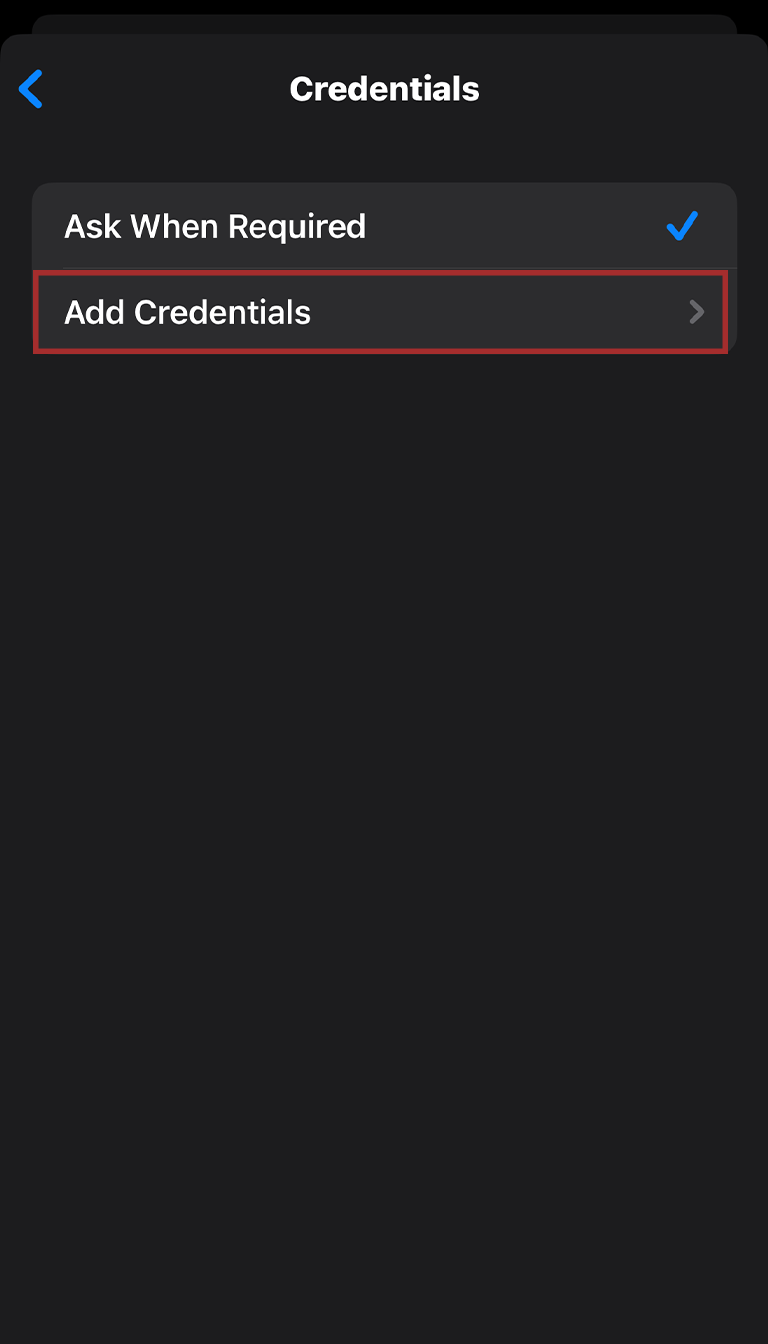
6This time, you’ll want to tap Credentials. When brought to the next screen, hit Add Credentials.
- You might have noticed the area that says Friendly Name. This is where you can input a nickname for your credentials on this device, making it easier for you to identify at a glance!
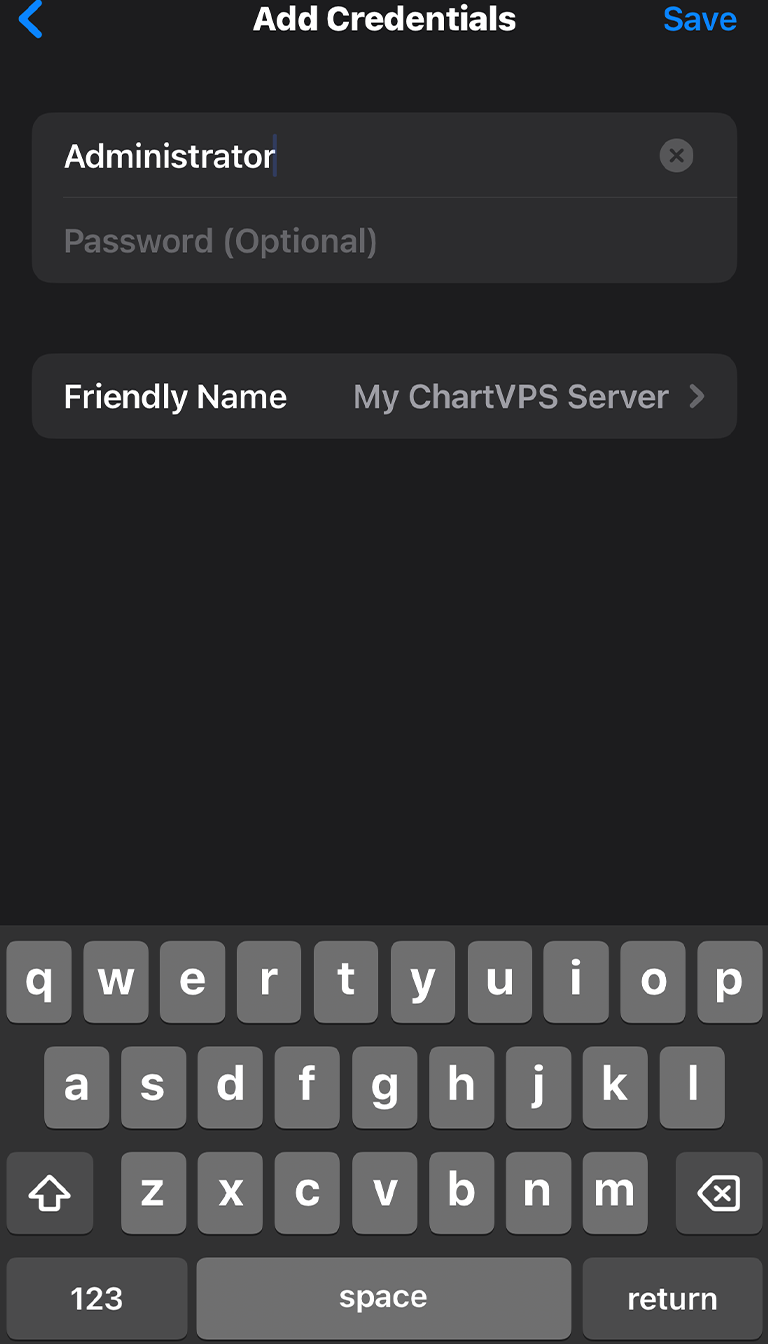
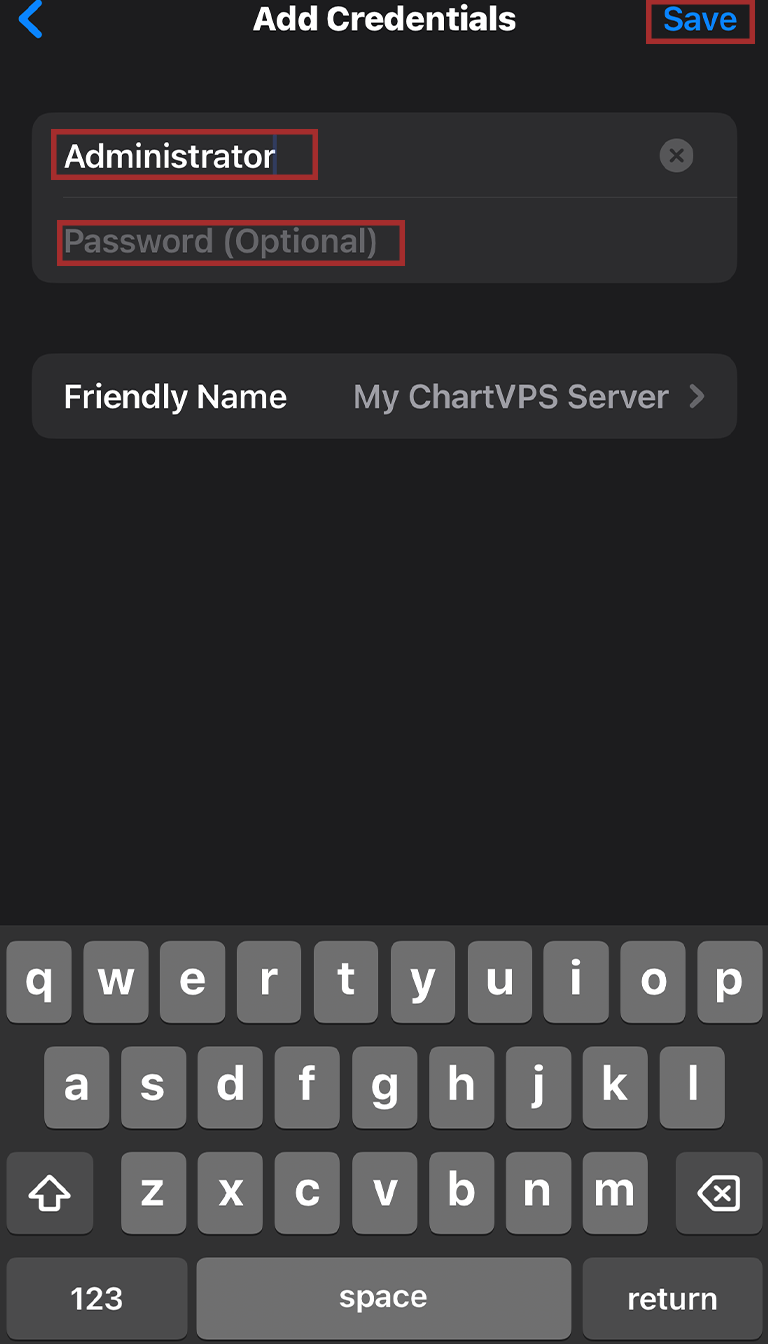
7This is where you enter the User name and password from Step 1, with User name going into the first field, and password going into the second. Then, hit Save.
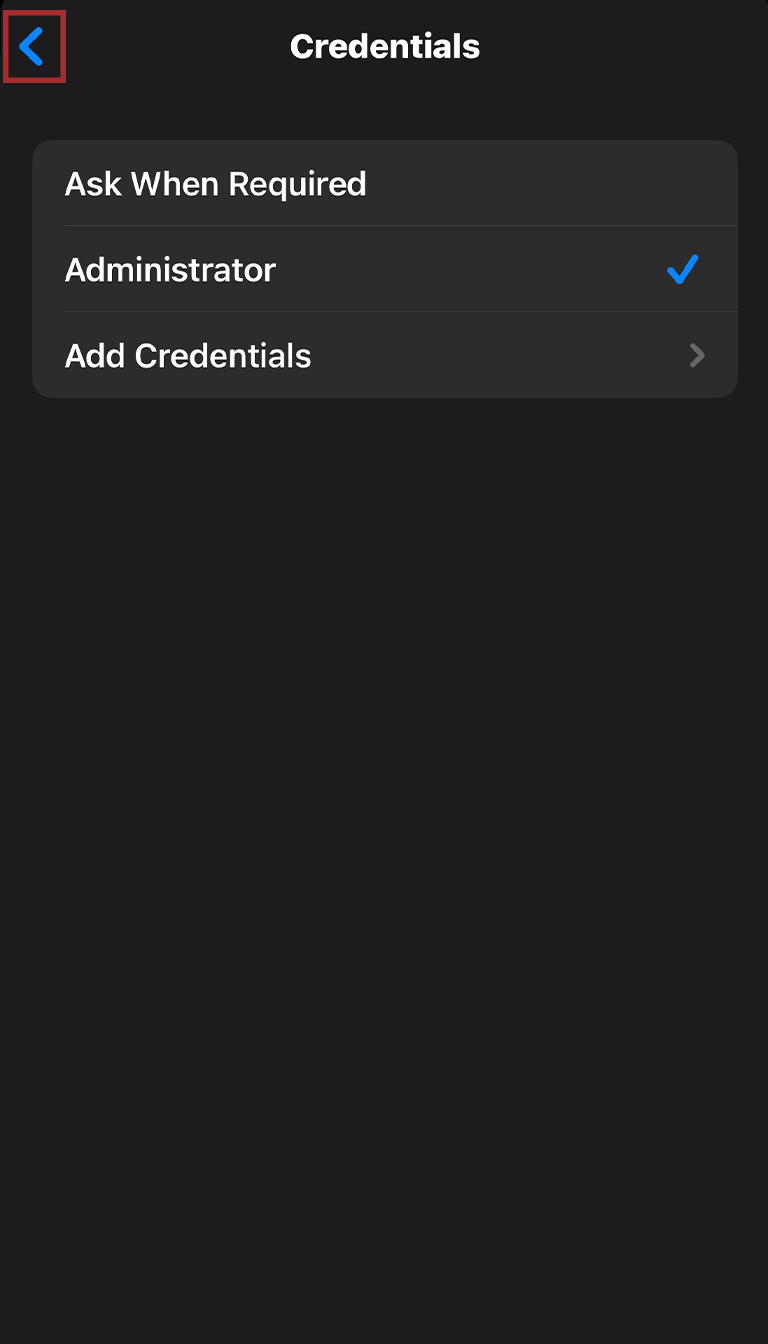
8Head back to the previous screen and tap Save, which is at the top-right.
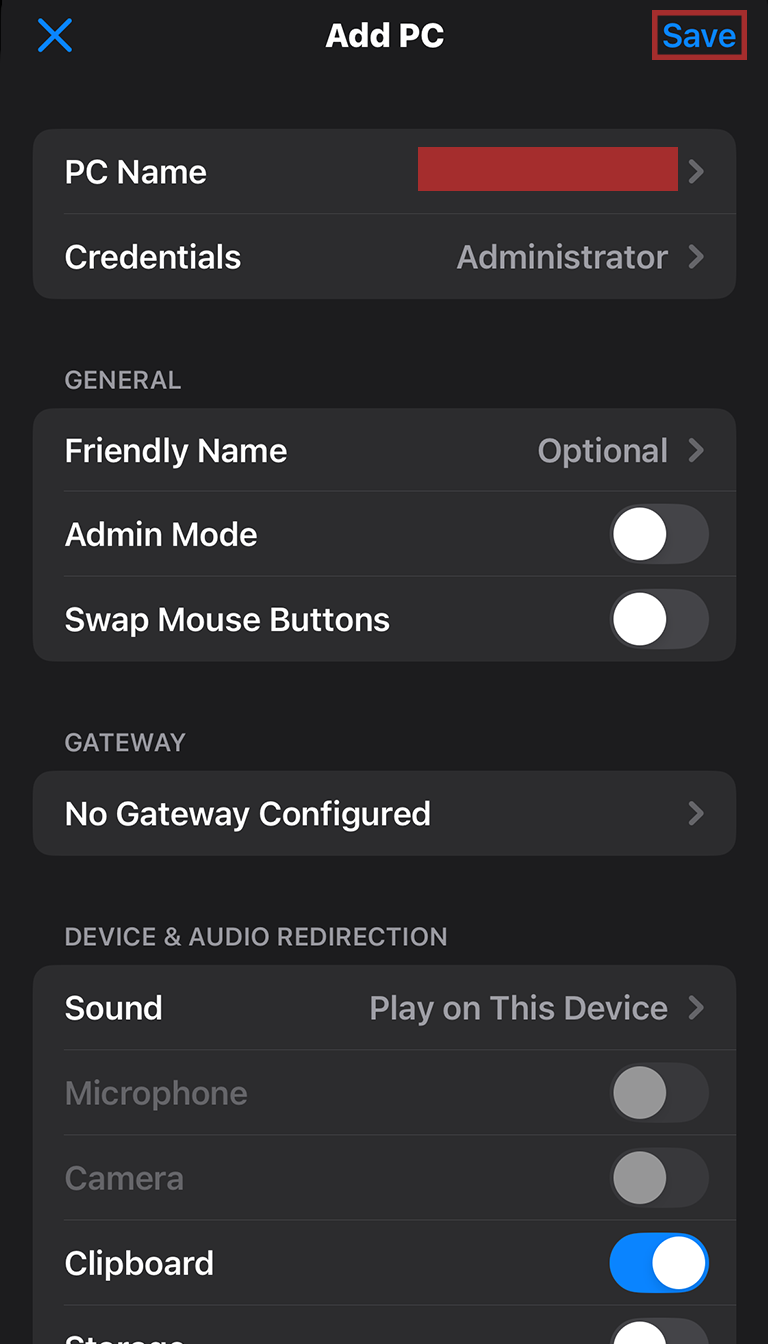
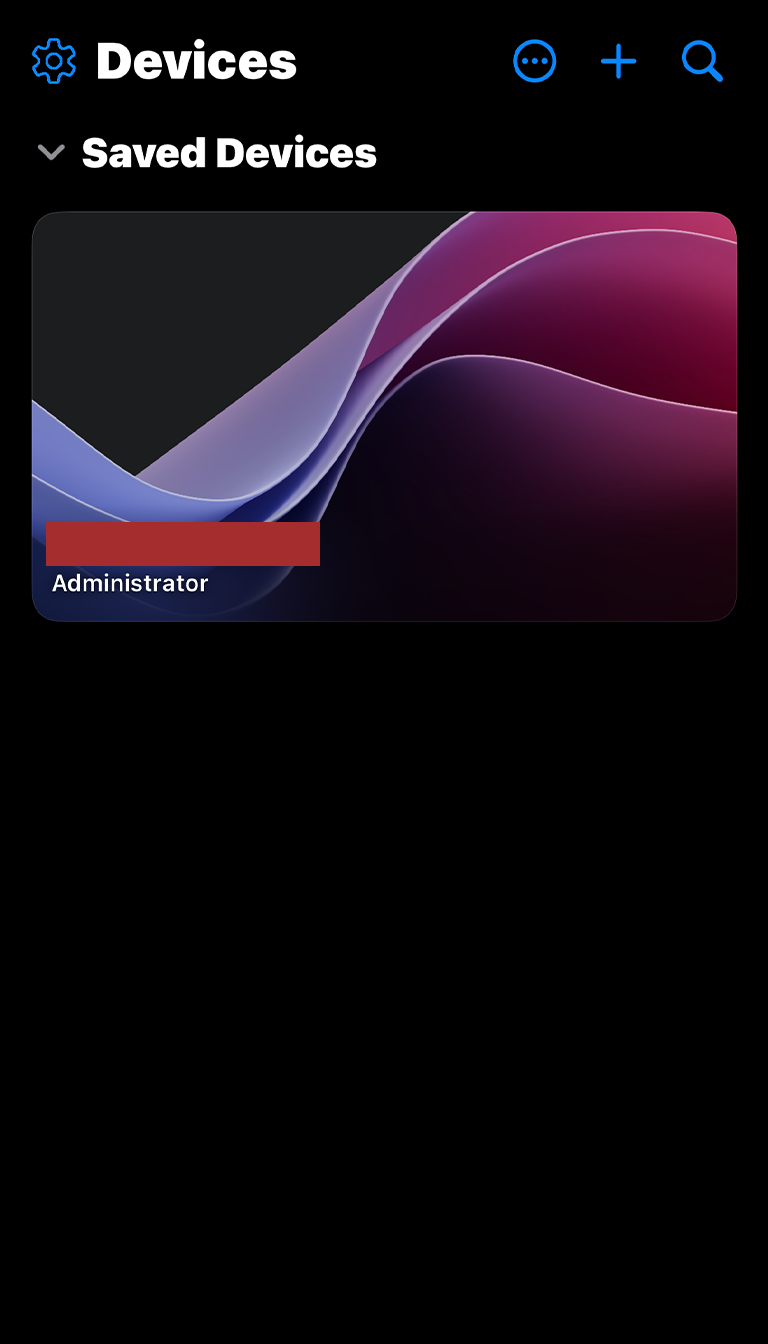
9Nice! Now you’re all set, as your VPS or Server remote desktop profile is ready to go. Simply tap on it from your Saved Devices, and you’ll connect!