
To initiate a service cancellation, follow these simple steps on the portal.
Tip
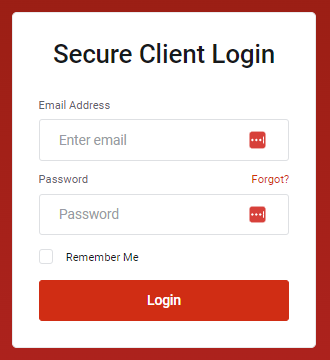
1Log in to your portal using your credentials.
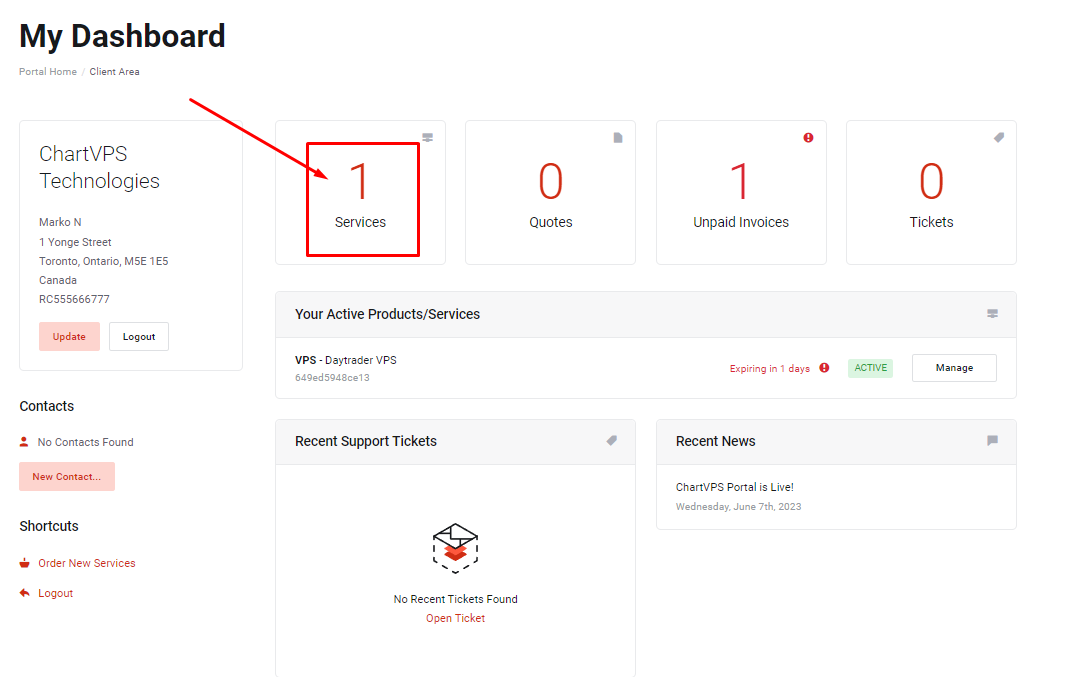
2Access the Services section from your dashboard.
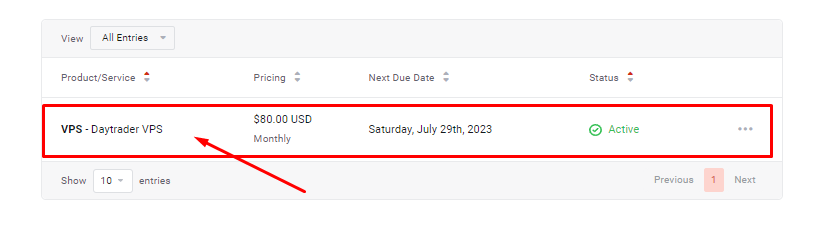
3Locate the specific service you wish to cancel and click on it to view its details.
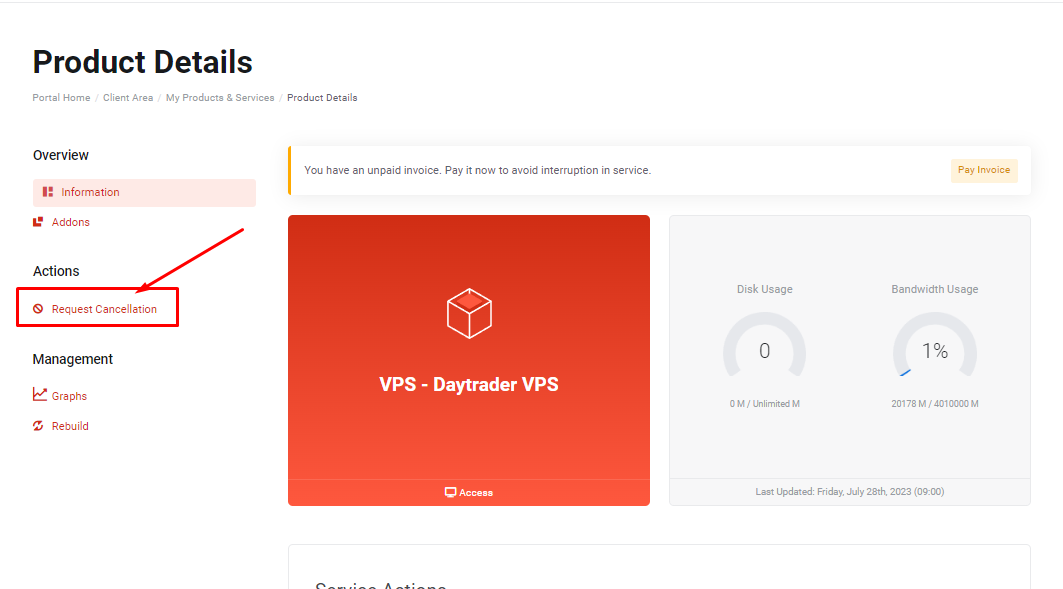
4On the left side of the page, find and click the Request Cancellation option.
5Optionally, provide a brief reason for canceling the service.
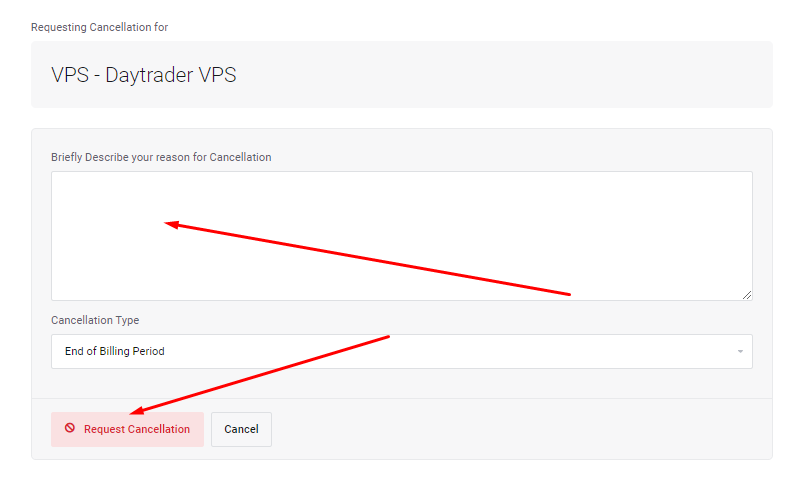
6Finally, click the Request Cancellation button to complete the process.
Please note that the service cancellation will be processed at the end of the current billing period.
Tip
If you do not have access to your portal yet, there are alternative methods to request cancellation. You can easily do so through our chat support or by using the contact form on chartvps.com.
Success