
This guide assists users in creating backup files for NinjaTrader Desktop. These backups can be used to restore the unique settings and data of NinjaTrader Desktop if a reinstallation is required.
Tip
For storage efficiency, consider excluding downloadable data from backups and obtain it directly from your data provider. Ensure they still supply the required data type and time period. Backups won’t include account connections or login details.
Success
In the Export Backup File window, you can set reminders for regular backups. The backup process may take up to five minutes, depending on the components. Confirm completion by checking the saved file location on your computer.
Tip
To Create a backup, follow the steps below:
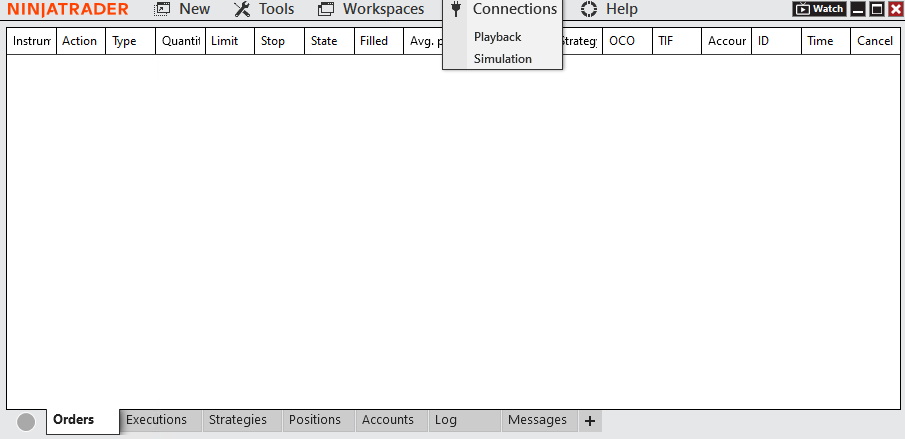
1Disconnect from all connections if currently connected.
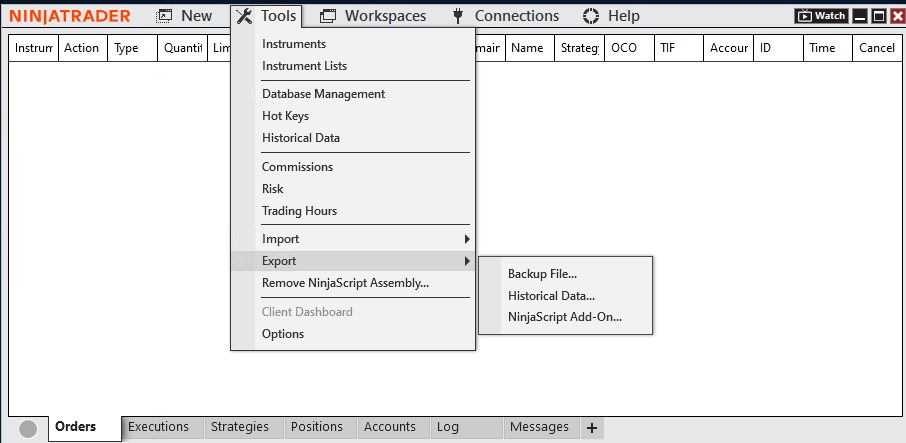
2From the Control Center, navigate to Tools > Export > Backup File.
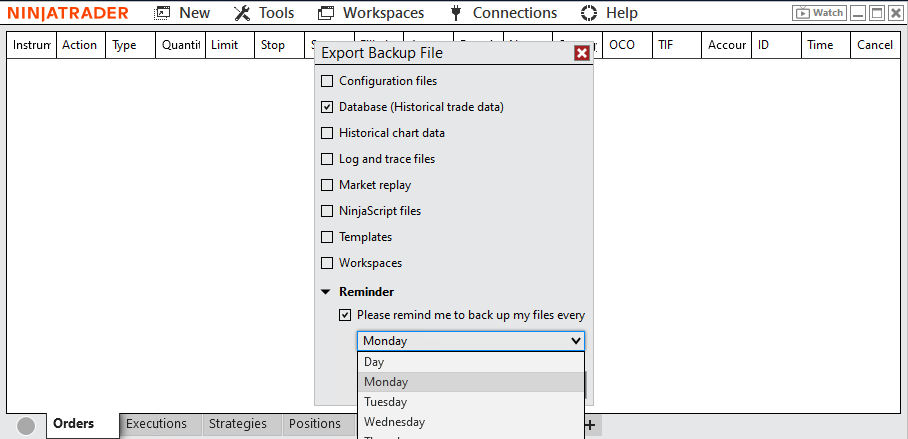
3In the Export Backup File window, select the components to back up:
- Configuration Files: User-specific settings.
- Database: Historical trade execution data.
- NinjaScript files: Custom indicators, strategies, and add-ons.
- Templates: User-defined configuration and display settings.
- Workspaces: NinjaTrader Desktop layouts.
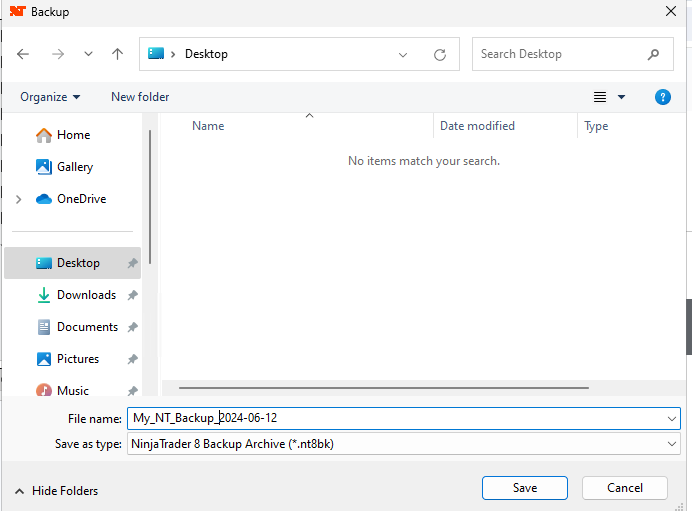
4Choose the backup file location and name, then click Save.
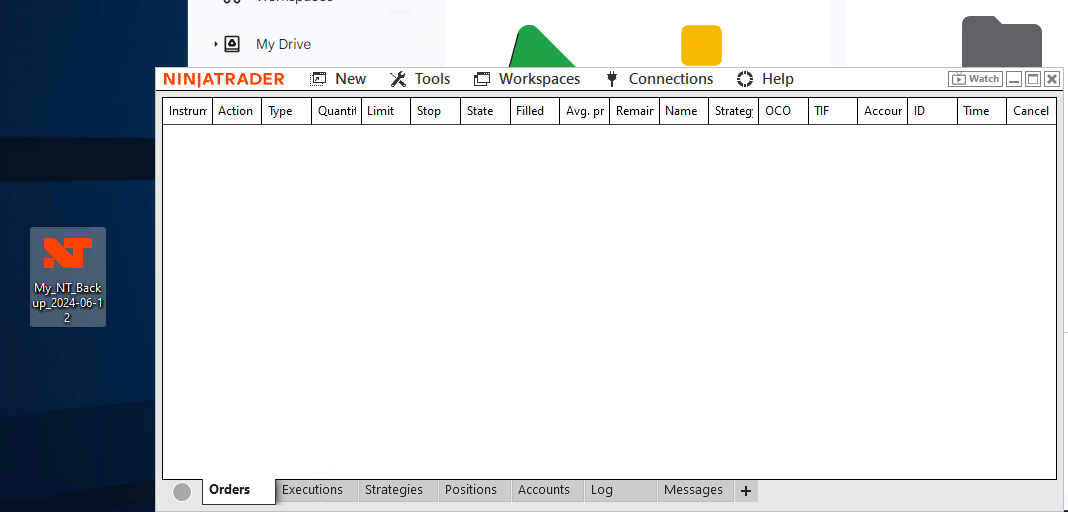
After saving your backup file, you can upload it to your preferred cloud storage service like Google Drive or OneDrive. This ensures data security and allows you to download it easily when needed, such as after reinstalling your server or migrating to a new one.
Success
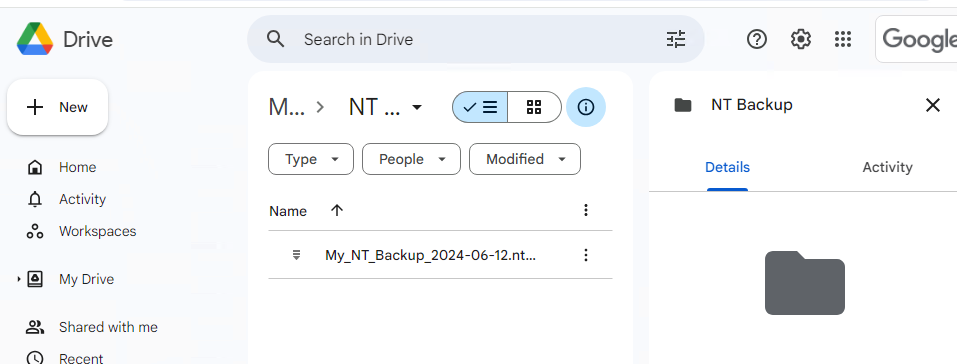
To restore from backup, follow the steps below:
1Download the backup from your cloud storage
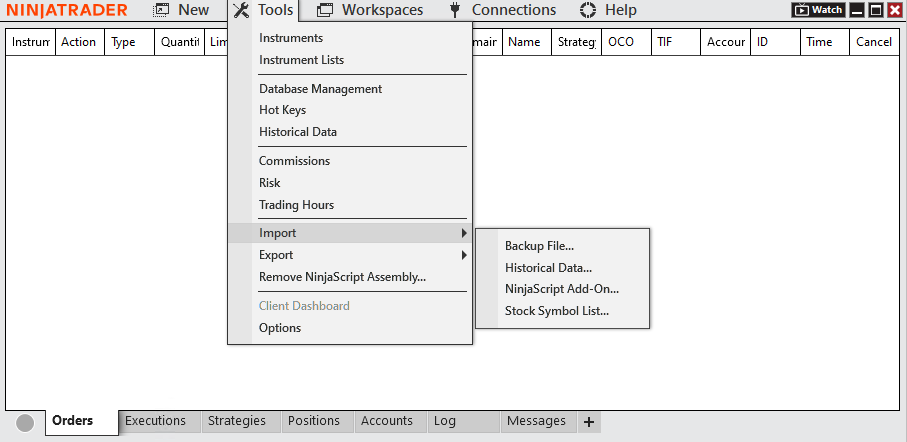
2From the Control Center, select Tools > Import > Backup file…
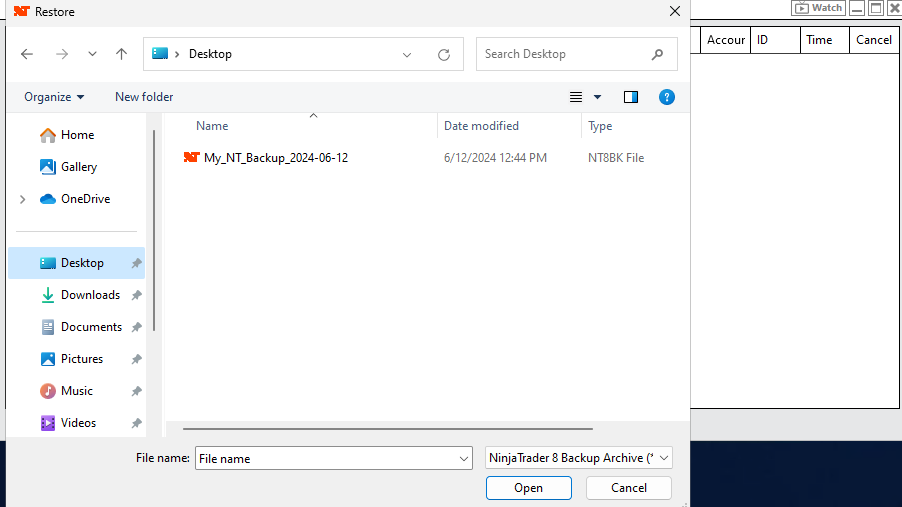
3Select the Backup archive file to restore from and click Open
4Select the items you want to restore from the Import Backup File window
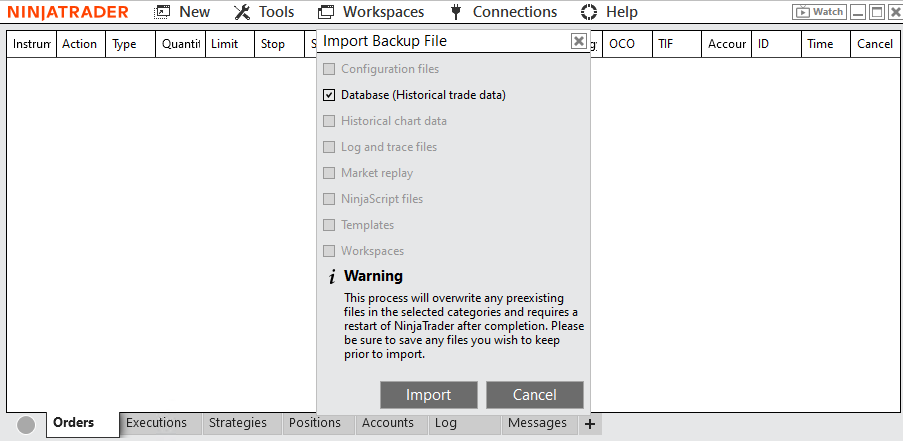
5When done checking the items you wish to restore, click the import button.
When restoring backups from previous NinjaTrader Desktop versions, compatibility issues may arise due to changes in the resource structure. If you encounter such problems, we recommend reaching out to [email protected] for assistance.
Success