
To install TradingView on Windows Server 2022, log onto your ChartVPS server/VPS and follow these step-by-step instructions:
Tip
1Download TradingView:
2Download Microsoft.VCLibs.x64.14.00.Desktop.appx:
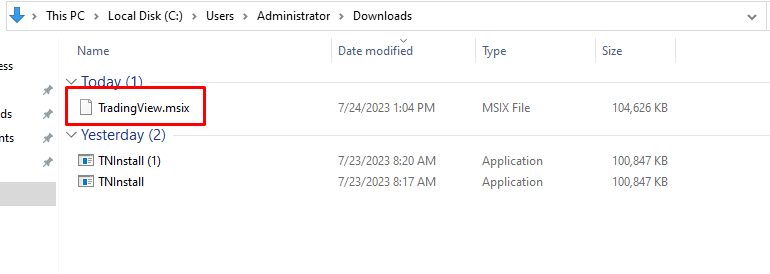
3Locate the Downloaded Files:
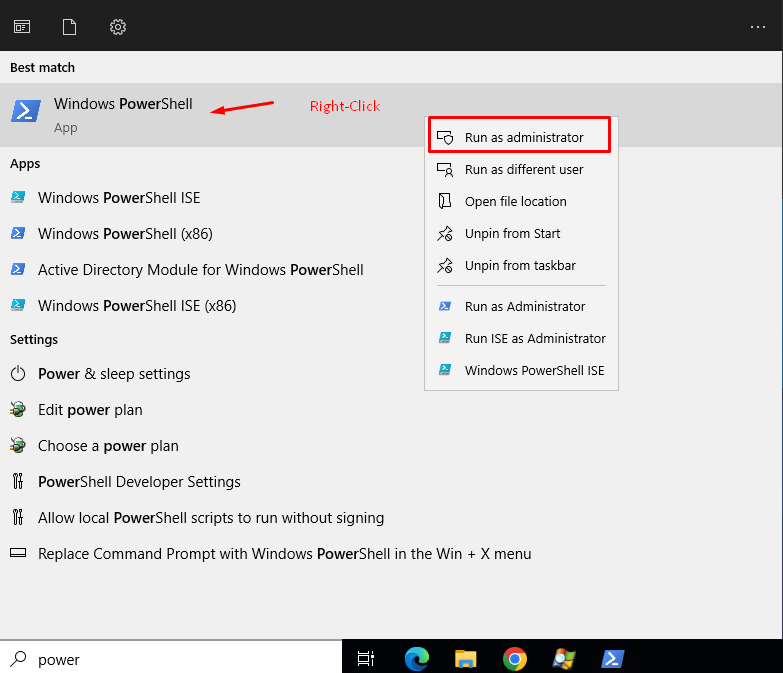
4Open PowerShell in Administrator Mode:
5Install Microsoft.VCLibs:
Add-AppxPackage -path C:\Users\Administrator\Downloads\Microsoft.VCLibs.x64.14.00.Desktop.appx
6Install TradingView:
Add-AppxPackage -path C:\Users\Administrator\Downloads\TradingView.msix
7Check Start Menu:
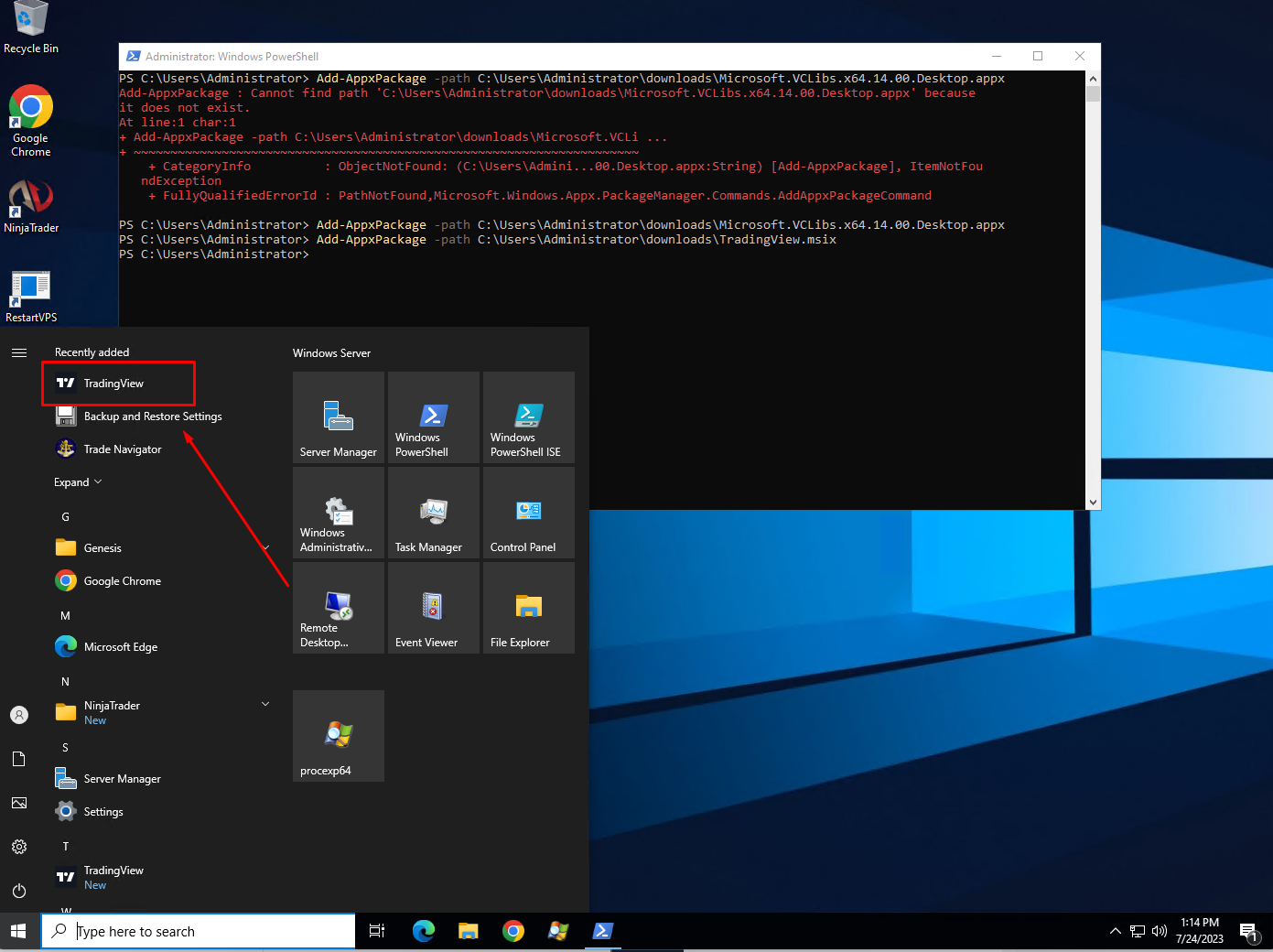
Now, you should have TradingView successfully installed on your Windows Server 2022. You can launch it from the Start menu and start using the application for your trading needs. If you encounter any issues during the installation, please make sure that you have administrative privileges and that the paths to the downloaded files are accurate.
Success